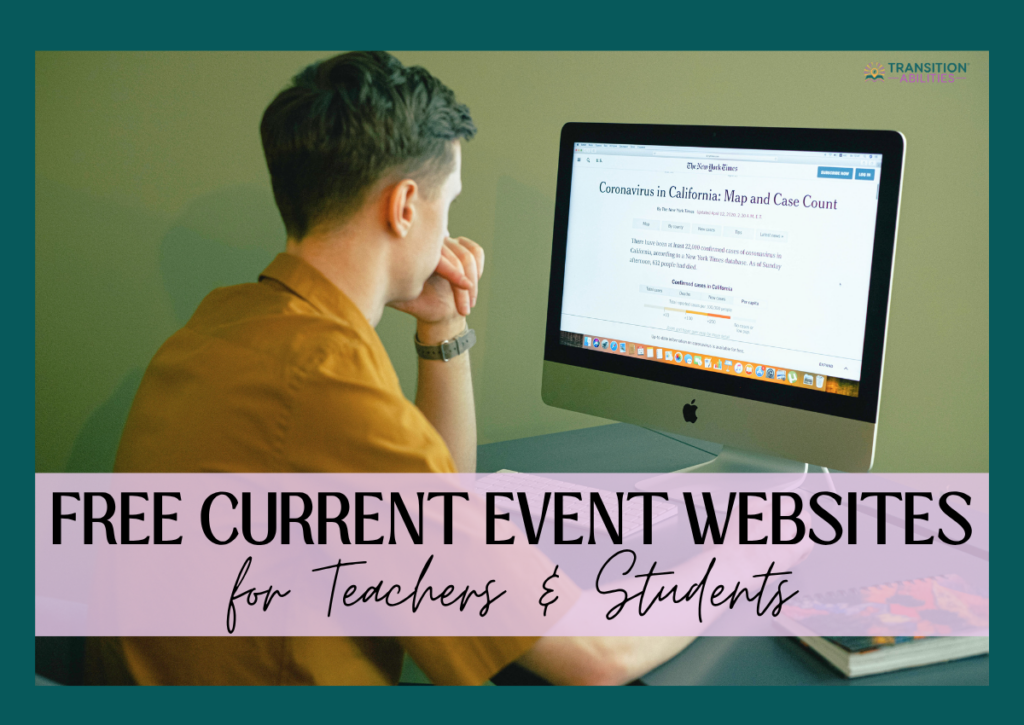
Free Current Event Websites for Teachers and Students
Have you ever noticed how curious students get when something big happens in the world? Teaching current events is a simple, effective way to turn that curiosity into learning.
For students with special needs, learning about current events can build important functional reading, listening, and critical thinking skills. It can also provide a chance for students to engage together, talking about what’s going on in the world.
Whether you teach elementary, high school, or transition students, you can make current events a weekly activity that’s fun, meaningful, and easy to implement.
Continue reading to discover a list of free current event websites and tips on how you can teach current events to your special education class!
Why Use Current Events in the Classroom
Current events aren’t just about the news. They’re about connecting students to the real world.
Doing a weekly current event is a great way for students to practice functional reading, reading comprehension, or video comprehension.
It can be a part of a social studies, ELA, or functional life skills class, and is especially great for students at the middle school, high school, or transition level.
Free Websites for Teaching Current Events

To make things easier for you, I’ve put together a list of free current event websites you can use for your current event lessons. They’re organized by reading level and support features like audio, video, visuals, or built-in differentiation.
Whether you’re working with early readers, nonreaders, English language learners, or students with higher-level comprehension, this list will help you quickly find a resource that fits your classroom needs.
And the best part? Most of the websites below are completely free to use!
Websites with Video, Text, & Resources
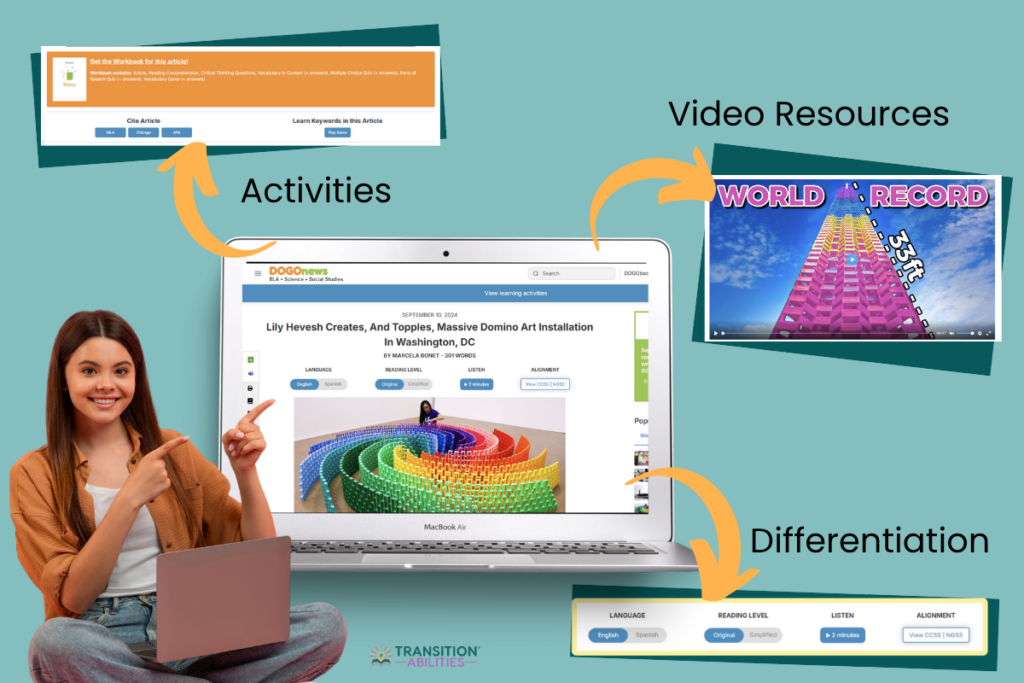
These websites combine articles with multimedia like videos and images, making it easier for students with different needs to engage with current events. Some even have questions and activities!
Offers leveled articles (K to 6) with big images, short texts, audio read-alouds, and printable versions. Free resources are available with a free sign-up, and a paid subscription unlocks the full archive.
The articles are short and easy to understand, with bolded vocabulary linked to definitions, plus photos, videos, and a read-aloud. It also comes with text simplification for subscribers.
A great site for younger and middle school students. It features short news videos (some with sign language), easy-to-read articles with helpful images, and sections that explain the news clearly.
Kid-friendly news articles that you can print or download. Many include comprehension questions, related activities, and printable worksheets.
Offers daily news articles, background info, and discussion questions. You’ll also find editorial cartoons, video links, and weekly quizzes.
News Video Websites
For Special Ed students who benefit from visual or auditory learning, this next set of websites offers news entirely in video format.
Short, thoughtful news videos that spark discussion and critical thinking. The videos are also available on YouTube.
Delivers 10-minute videos that explain world news in a student-friendly way. Great for older students and quick current event summaries.
Weekly news reports made by kids, for kids. Covers school-friendly topics like health, sports, and world news that are ideal for middle and high schoolers.
Provides weekly news videos made for younger viewers. Simple, clear, and engaging, and great for special education classrooms.
With Read-Aloud Audio & Differentiation
For students who need extra support, check out these websites that include audio read-alouds and text-level differentiation.
Each article comes in three reading levels, with a read-aloud feature and a discussion question. It’s great for mixed-ability classrooms.
This site offers free printable lessons based on news articles. Each lesson includes vocabulary, warm-ups, reading comprehension, and more.
Article-Only Websites
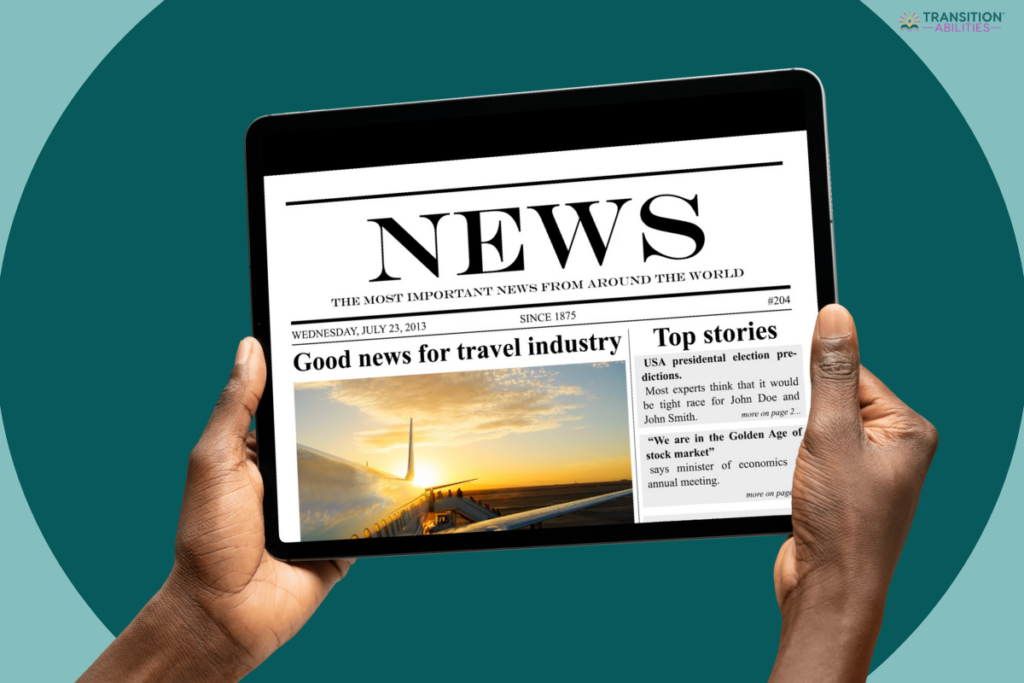
These websites focus primarily on written content, providing a range of topics and reading levels.
Free, easy-to-read news articles with images. You can filter by grade level, making it easy to find the right fit for your students.
Articles on science, history, and culture. Not made for kids, but great for older or more advanced readers. (Note: There are ads on the page.)
Science-focused articles written for younger readers. Each article includes vocabulary help and two reading levels. It’s perfect for students who love STEM!
While not written for kids, The New York Times has articles that can be useful for students ready for more complex material. You need to register to access the articles, but registration is free.
News stories written by kids! This site lets students see how their peers view current events. Articles cover everything from local stories to global topics.
In-depth news reports and stories. While not specifically for students, many pieces are understandable for high schoolers.
Fun, easy-to-read sports news for students who love athletics. Great for high school students who enjoy following games and athletes.
Real news written by kids! This site is great for middle to high school students interested in writing, pop culture, or current events. The articles can be printed or shared to a Google Classroom.
Free Teacher Resources
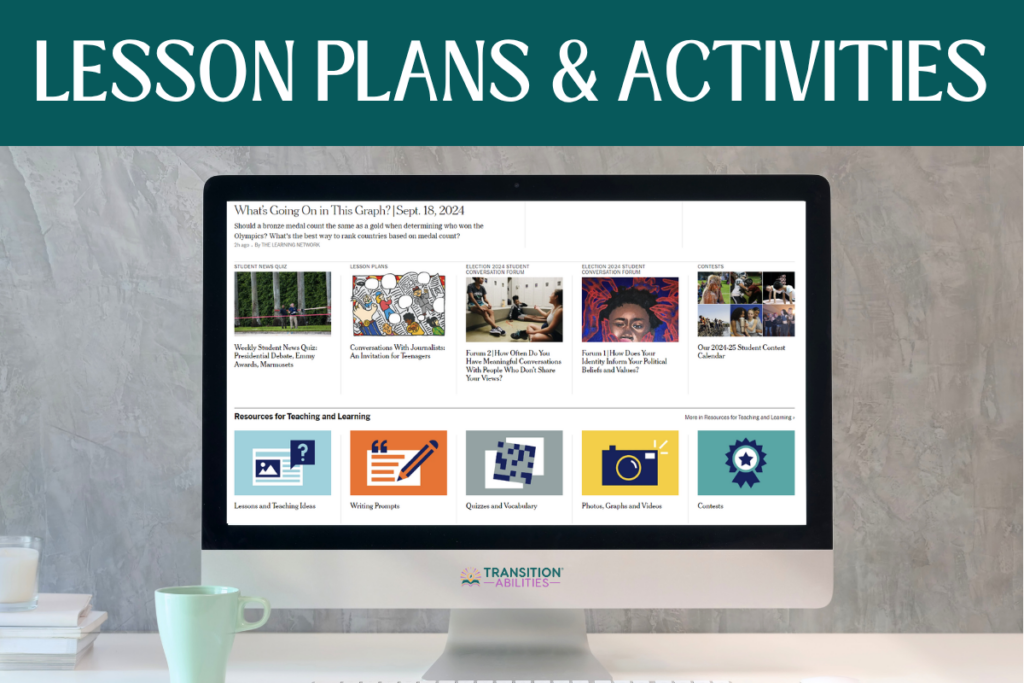
As a bonus, I’ve added these websites that offer ready-made resources, reading-level tools, or lesson plans to help you integrate current events easily into your classroom.
This free tool allows you to paste any article (from any website), and it will automatically adapt the text to your student’s reading level. You can even turn it into a quiz or activity! The basic version is free, and it works great with websites like CNN or Time.
This website by The New York Times offers a variety of articles, writing prompts, lesson plans, and multimedia resources, making it perfect for engaging students with current events.
Newsela provides leveled articles across various topics, including current events. Teachers can adjust the reading difficulty, and there are free resources available for educators to engage students in discussions and analysis of news topics. You’ll need to sign up, but it’s free!
PBS News Hour Classroom is a rich resource with daily video lessons, discussion questions, and lesson plans. It’s particularly great for discussing STEM-related current events.
How to Teach Current Events Using the Websites
Teaching current events in a special education classroom can be a fun and meaningful way to build reading, listening, and social skills.
Tips for Teaching Current Events in Special Education
- Let students choose their own article or video to increase engagement.
- Use the same website for everyone to keep things organized.
- Make it a routine, like “Current Event Friday” or “Monday Morning News.”
- Provide supports like screen readers, headphones, or videos for different learning needs.
- Use a simple worksheet or graphic organizer to answer who, what, where, and why.
- Add one easy discussion question at the end to encourage sharing.
In my classroom, I let students choose a current event article that interests them, even though we all used the same website. After reading or watching their article, they’d complete a short worksheet to help them break down the key points. If we had time, each student would share a few highlights with the class.
It was a great way for them to practice reading comprehension and speaking skills, and learn something new from their classmates. Plus, it gave them something to talk about outside of class, too!
If you’re looking for an easy, no-prep way to get started with your current events class, I have an Adapted Current Events Template that includes 3 levels of reading comprehension pages to support different student needs.
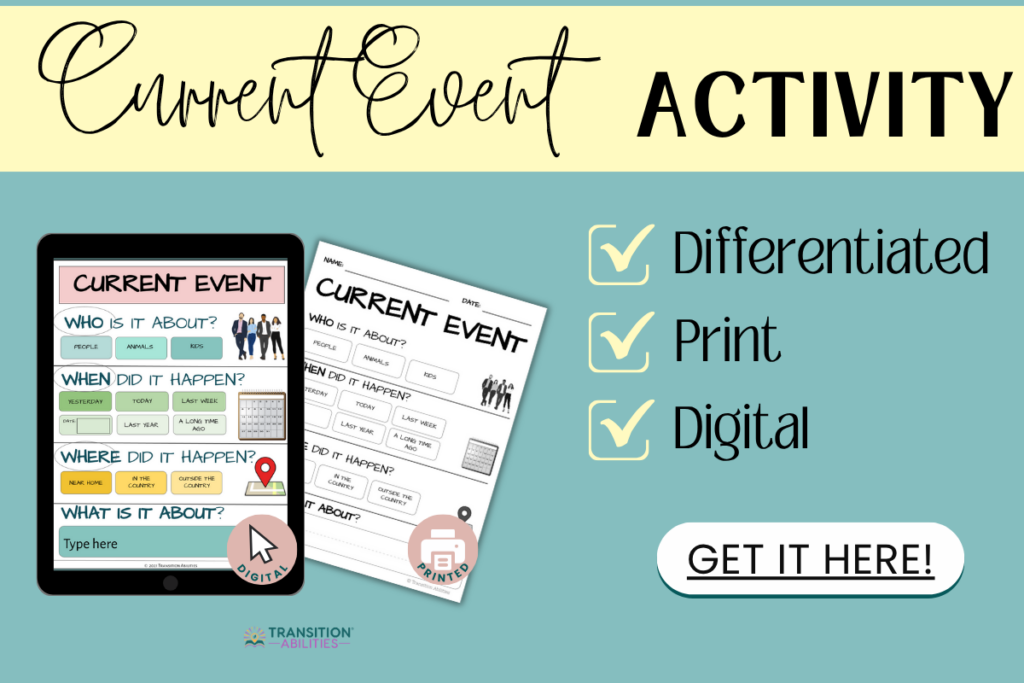
With these resources, teaching current events becomes an easy and engaging way to connect your students to the world around them!